Saved in this browser and reused when you open other posts.
I've cleaned up a lot of hacked sites over the years. Malicious PHP files hidden in upload folders, fake plugins, obfuscated eval() chains and the usual stuff. You learn where to look. You get fast at it.
Then I ran into one that broke all my assumptions.
A client called me about their WordPress site, `empatianaokulu.com`. Traffic had dropped off a cliff over two weeks. Google was flagging it for spam. Visitors were occasionally being redirected to garbage affiliate pages, but not always, only sometimes, only for certain user agents, only from organic search. The site *looked* clean to them when they logged in and clicked around.
Classic cloaking behavior. I'd seen that before. What I hadn't seen was *where* the payload was hiding.
The Standard Cleanup That Found Nothing
First thing I did was the usual sweep:
# Find recently modified PHP files
find /var/www/html -name "*.php" -newer /var/www/html/wp-config.php -ls

# Search for common obfuscation patterns
grep -r "base64_decode\|eval\|str_rot13\|gzuncompress" /var/www/html --include="*.php" -l

# Check for webshells in upload directories
find /var/www/html/wp-content/uploads -name "*.php"
Nothing meaningful. A couple of false positives in WooCommerce files that turned out to be legitimate. The uploads folder was clean. No suspicious cron jobs. No unknown admin users in WordPress. Sucuri's scanner came back green.
I almost told the client their hosting provider had flagged them incorrectly.
Then I actually looked at the database.
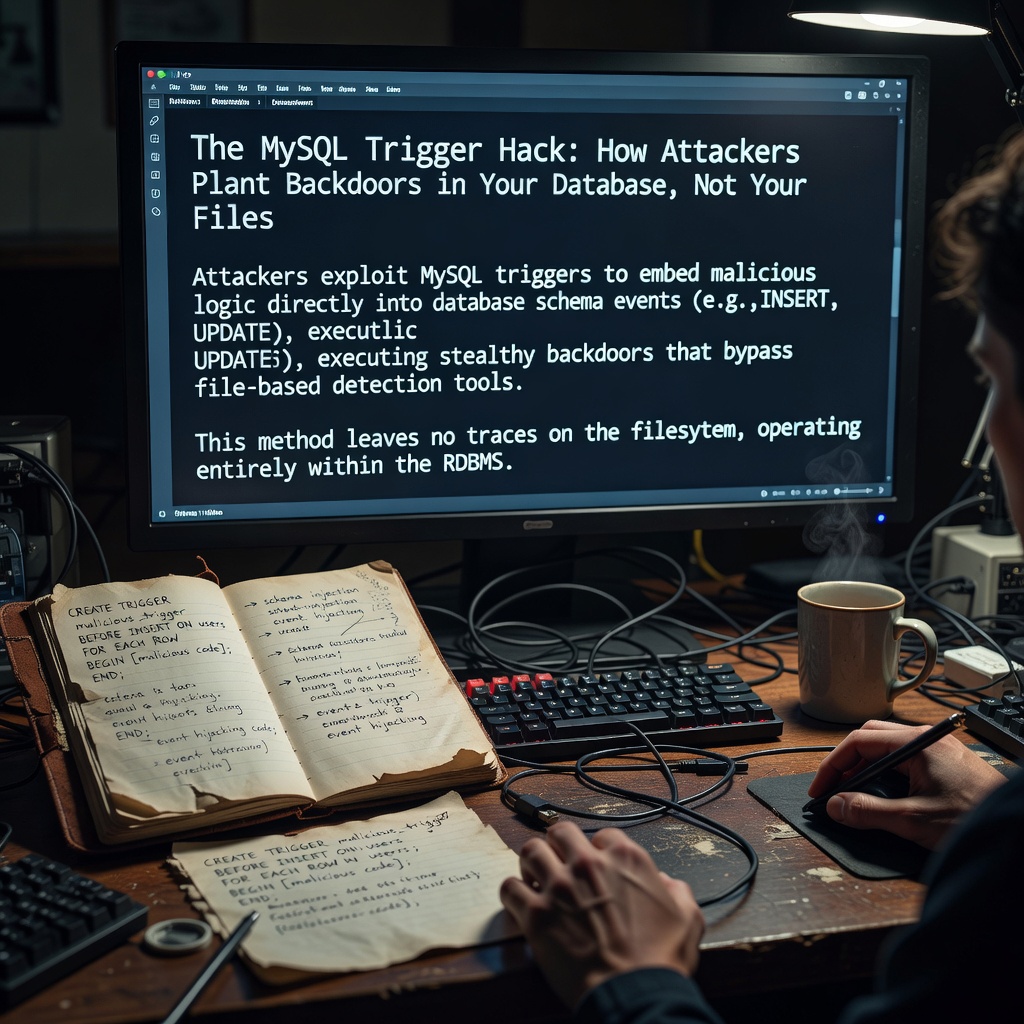
What Was Hiding in the Triggers
I ran a routine query to check for unexpected content in `wp_options`:
SELECT option_name, option_value
FROM wp_options
WHERE option_name LIKE '%inject%'
   OR option_name LIKE '%redirect%'
   OR option_name LIKE '%eval%';
Nothing. But something kept nagging at me. The redirect behavior was too consistent. it happened on every new post view from a search engine crawler. That kind of precision doesn't come from a randomly placed PHP snippet. It requires *logic*. It has to run at the right moment, for the right request, and then reset itself so it doesn't fire twice.
That's when I checked the triggers:
SHOW TRIGGERS;
There it was. A trigger named `wp_update_stat` on the `wp_posts` table. Firing on `AFTER UPDATE`.
The name was designed to look like a WordPress internal thing. If you glanced at a list of triggers and weren't specifically suspicious, you'd scroll past it. Most developers forget triggers exist at all between deployments.
Here's a simplified version of what it was doing (cleaned up for readability):
DELIMITER //
CREATE TRIGGER wp_update_stat
AFTER UPDATE ON wp_posts
FOR EACH ROW
BEGIN
  IF NEW.post_status = 'publish' AND OLD.post_status = 'publish' THEN
    UPDATE wp_options
    SET option_value = '/* malicious redirect payload */'
    WHERE option_name = 'wp_footer_scripts';
  END IF;
END//
DELIMITER ;
Every time WordPress touched a published post, view counter update, last-modified timestamp, anything and the trigger fired and re-injected the payload into `wp_options`.
That's why the site kept getting reinfected. We'd clean the options table, the payload would disappear, and within hours it was back. No file was being written. No PHP was executing. The database was rewriting itself.
Why This Works So Well Against Defenders
Think about the standard incident response flow for a hacked WordPress site:
1. Scan files for malware ✓
2. Check for unknown admin accounts ✓
3. Clean `wp_options` for injected scripts ✓
4. Reinstall WordPress core ✓
5. Update all plugins ✓
The trigger survives all of that. It's not in the files. It's not in the user table. It lives in the database's own trigger system, which most cleanup tools never touch and most hosting control panels don't give you easy visibility into.
Even if you export the database, sanitize the content tables, and reimport. if you're using `mysqldump` with default options, the triggers come along with it.
# This exports triggers too — most people don't realize
mysqldump -u root -p wordpress_db > backup.sql

# To explicitly exclude them:
mysqldump --skip-triggers -u root -p wordpress_db > backup_clean.sql
The attacker was counting on you not knowing that.
How They Got In Originally
The initial infection vector matters because the trigger requires `CREATE TRIGGER` privilege and that's not something a regular WordPress database user should have.
After digging through the server logs, I found a combination of things:
- The site was running an outdated version of a form plugin with a known file upload vulnerability
- The WordPress database user had been granted `ALL PRIVILEGES` at some point (probably by a well-meaning developer who wanted to "just make it work")
- The attacker uploaded a PHP shell through the form plugin, used it to connect to MySQL with the credentials in `wp-config.php`, and created the trigger from there
The privilege escalation wasn't needed and the app's own database credentials were enough because `ALL PRIVILEGES` includes `TRIGGER`.
The Fix and What to Do Right Now
Step 1: Remove the trigger
DROP TRIGGER IF EXISTS wp_update_stat;

-- While you're there, audit all triggers:
SELECT TRIGGER_NAME, EVENT_MANIPULATION, EVENT_OBJECT_TABLE, ACTION_STATEMENT
FROM information_schema.TRIGGERS
WHERE TRIGGER_SCHEMA = 'your_database_name';
If you see any trigger you didn't create, drop it. WordPress doesn't use database triggers. None. If there's a trigger on your WordPress database, an attacker put it there.
Step 2: Revoke unnecessary privileges
-- Check what privileges your WordPress user has
SHOW GRANTS FOR 'wp_user'@'localhost';

-- Strip it down to the minimum
REVOKE ALL PRIVILEGES ON wordpress_db.* FROM 'wp_user'@'localhost';
GRANT SELECT, INSERT, UPDATE, DELETE, CREATE, DROP, INDEX, ALTER
  ON wordpress_db.* TO 'wp_user'@'localhost';
FLUSH PRIVILEGES;
The WordPress application doesn't need `TRIGGER`, `CREATE ROUTINE`, `EXECUTE`, or `SUPER`. Remove them.
Step 3: Add trigger monitoring
You can set up a simple bash script to alert on any unexpected triggers:
#!/bin/bash
EXPECTED=0
ACTUAL=$(mysql -u root -p"$DB_PASS" -se "
  SELECT COUNT(*) FROM information_schema.TRIGGERS
  WHERE TRIGGER_SCHEMA = '$DB_NAME'
")

if [ "$ACTUAL" -gt "$EXPECTED" ]; then
  echo "ALERT: $ACTUAL unexpected triggers found in $DB_NAME" | mail -s "DB Trigger Alert" [email protected]
fi
Run it hourly via cron. It's not elegant but it would have caught this within the hour.
Step 4: Audit your backups
If you have database backups from the infection window, assume the triggers are in them. Any restore from that period will reintroduce the backdoor. Restore to a point before the infection and export content only. Not triggers, not routines.
The Bigger Lesson
File scanning is table stakes. Most site owners and even many agencies stop there. But the database is code too. Triggers, stored procedures, events. They all execute logic, and they're almost never audited.
The attacker who designed this particular attack knew something most defenders don't: that the defensive tooling for WordPress focuses almost entirely on the filesystem. They moved the payload somewhere the tools don't look.
After this incident I added database trigger auditing to my standard security checklist for every client site. It takes five seconds to run `SHOW TRIGGERS` and it's now something I do every time I touch a production database.
The uncomfortable truth is that this kind of attack isn't new, isn't particularly sophisticated, and isn't going away. It's just that we collectively trained ourselves to look in the wrong place.
If you run WordPress or any PHP application on MySQL, open a database connection right now and run `SHOW TRIGGERS`. If you see anything you didn't put there, you have a problem worth investigating.